
BrowserMobile
Learn to code
Blockly Games
A free set of educational games that teach programming with visual blocks. No typing and no account required.
8+ years15 min
Needs internetNo chatNo ads
Create your own games, stories and animations by snapping code blocks together. The editor behind Scratch 3.0.
A computer or tablet with a browser. You only need an account to save online.
Stuck? Open the Tutorials button at the top of the editor.
You can build without an account. Saving and sharing need one, and the online community has comments, so decide together.
A free set of educational games that teach programming with visual blocks. No typing and no account required.
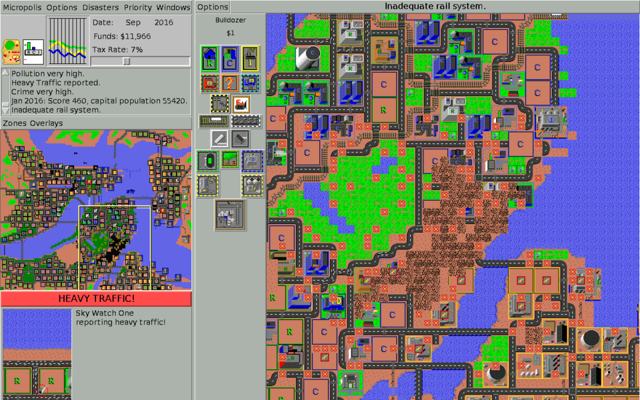
A browser port of Micropolis, the open-sourced SimCity classic. Zone, build and manage your own city.
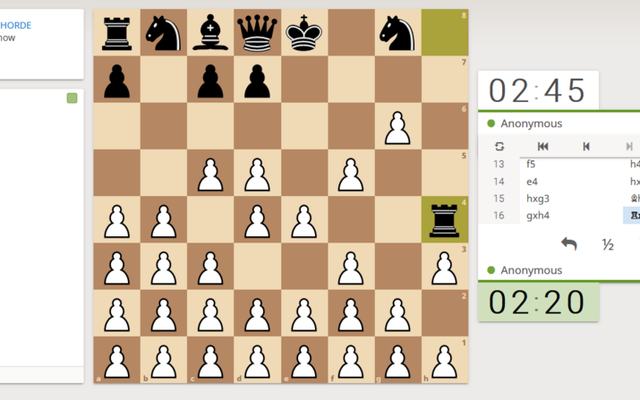
Lichess, the free, ad-free chess server. Every line of code is public.