
BrowserMobileVietnamese
Online chess
Lichess
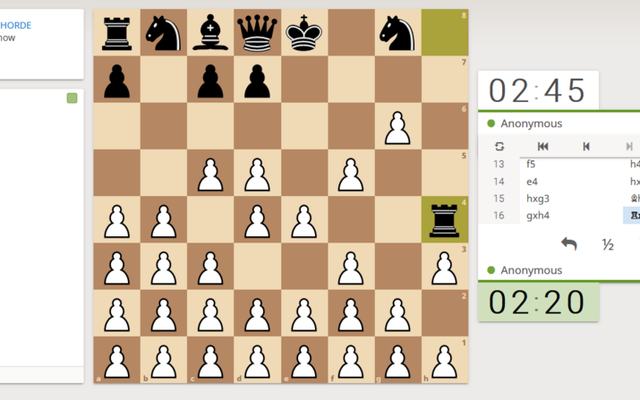
Lichess, the free, ad-free chess server. Every line of code is public.
6+ years15 min
Needs internetHas chat: grown-up decidesNo ads
Young children program their own interactive stories and games with picture blocks. For ages 5 to 7.
A tablet (iPad or Android tablet).
Tap the green flag again and check that your blocks are joined end to end.
Free app with no online community. Download only the official one from the ScratchJr team.
Lichess, the free, ad-free chess server. Every line of code is public.
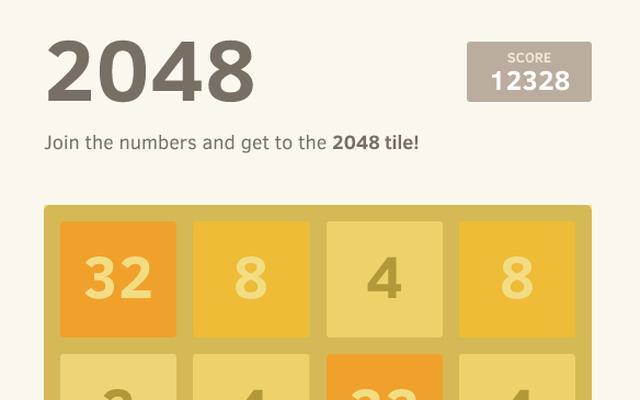
The original source of the 2048 sliding-tile puzzle. Perfect for learning web development.
Open 3D kart racing with power-ups, online play and a big track library.